
Book an airport transfer
Pick-up or drop-off at Suvarnabhumi (BKK) or Don Mueang (DMK).
1Check your contact details
- Tap Book Now and choose Airport Transfer under Choose a service.
- Your name, email, phone and WhatsApp are filled in from your account.
- Change Booking Name if you are booking for someone else. Your email cannot be changed here.
Coming from the Airport Transfer page? The airport is already selected for you.
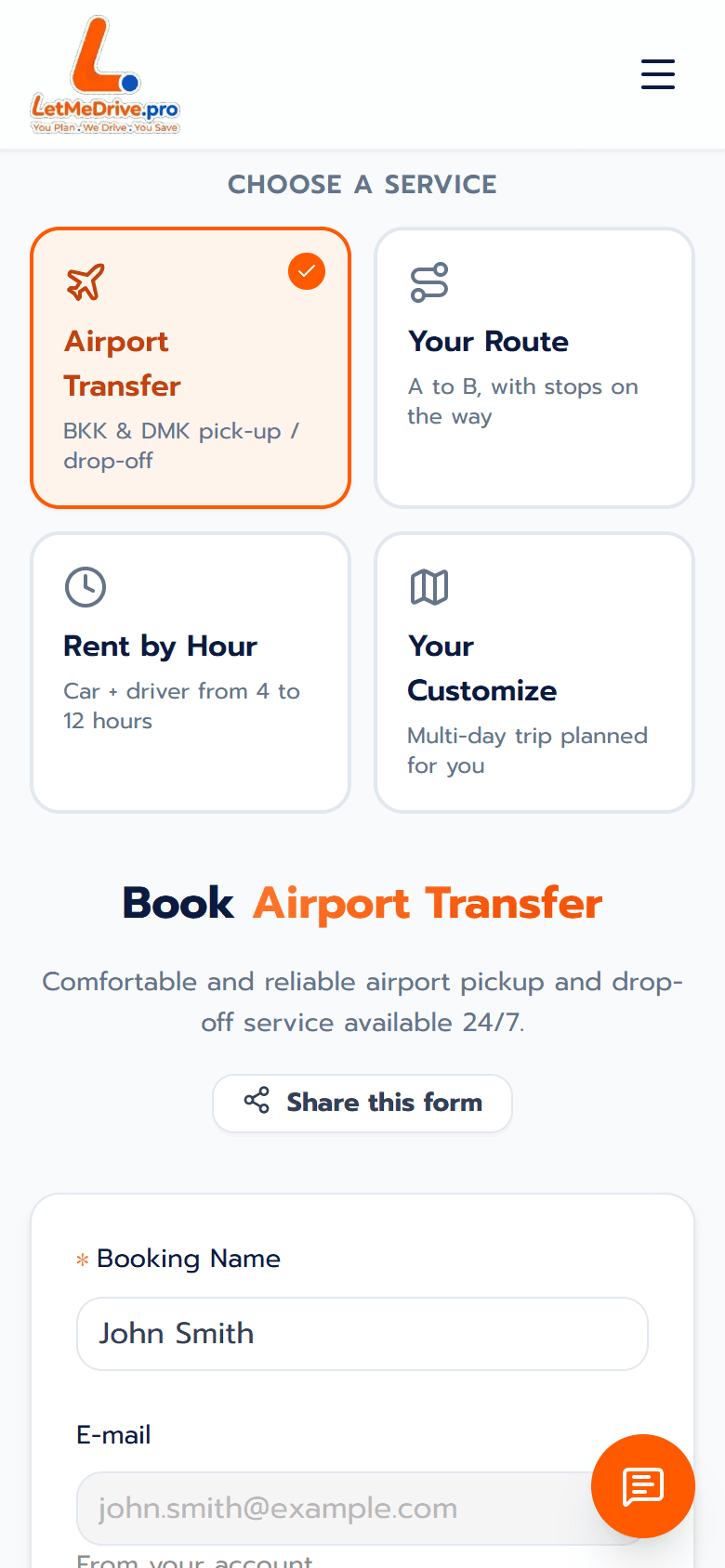
Choose a service 2Add your trip details
- Pick-Up and Drop-Off: choose Airport and pick BKK or DMK, or choose Hotel/City/Address and type the place.
- Vehicle (optional): Private Sedan, SUV or Van. If you tapped Book this ride on a vehicle, it is already selected.
- Flight Number, for example TG661. Your driver uses it to follow delays.
- Number of Passengers: adults, children (5–11) and infants (1–4).
- Luggages: how many big, medium and small bags, so we send the right car.
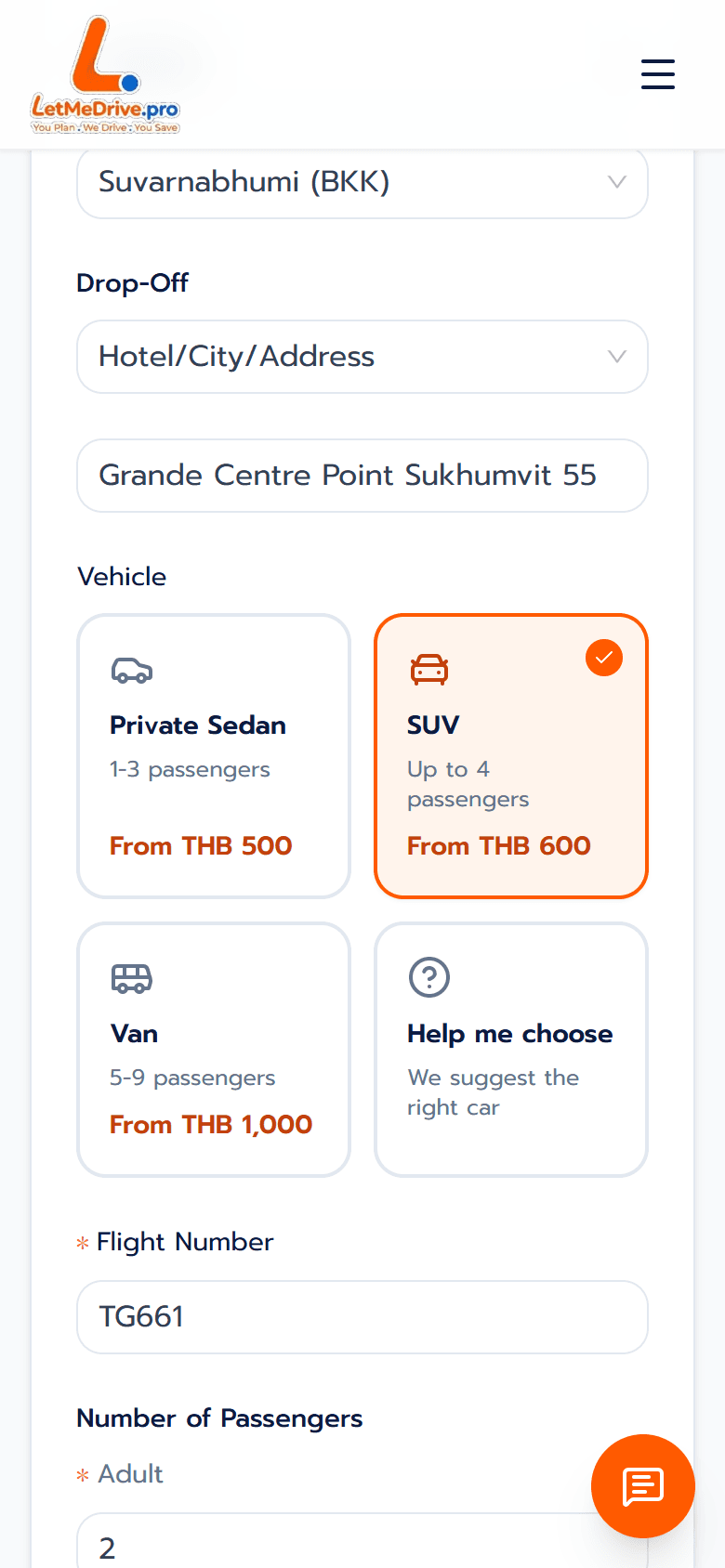
Route and vehicle 3Choose the date and time, then confirm
Tap Confirm Booking. If a required field (marked *) is missing, you will see a red message under it.
- Date and Meeting Time for the pick-up.
- Special Request: anything we should know, such as a child seat or a name sign.
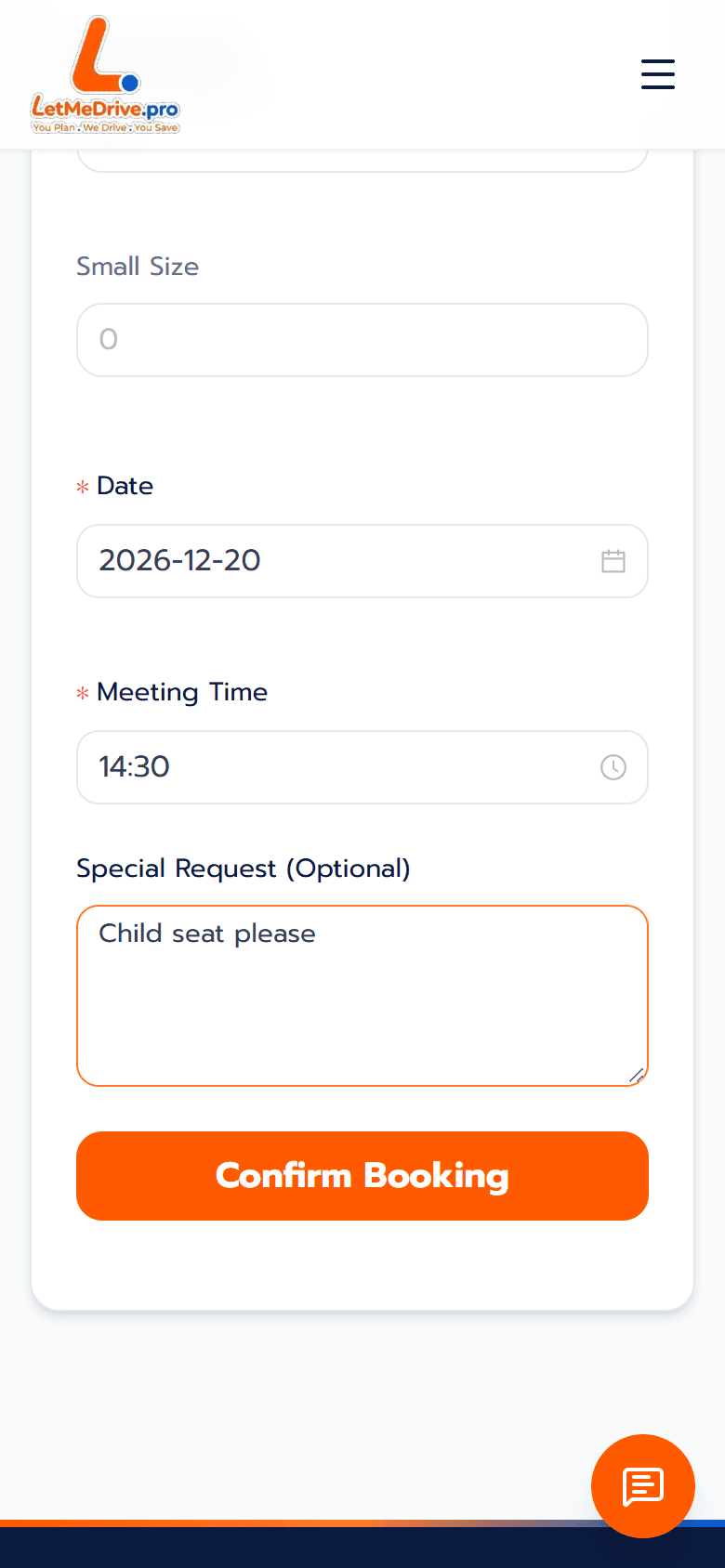
Date, time and confirm
Still need help?
Our team speaks English and replies quickly. Contact us any way you like, and tell us your booking reference if you have one.