
Forgot your password
Reset it yourself with a 6-digit code sent to your email.
Get a code and set a new password
- On the Log in page, tap Forgot password?.
- Enter the email you signed up with.
- Enter the 6-digit code from your email. It is valid for 15 minutes. Check your spam folder, or tap Send a new code.
- Choose a new password. You are logged in right away.
Forgot which email you used? Contact us with your name and phone number. We will find your account and give you a temporary password, which you change after you log in.
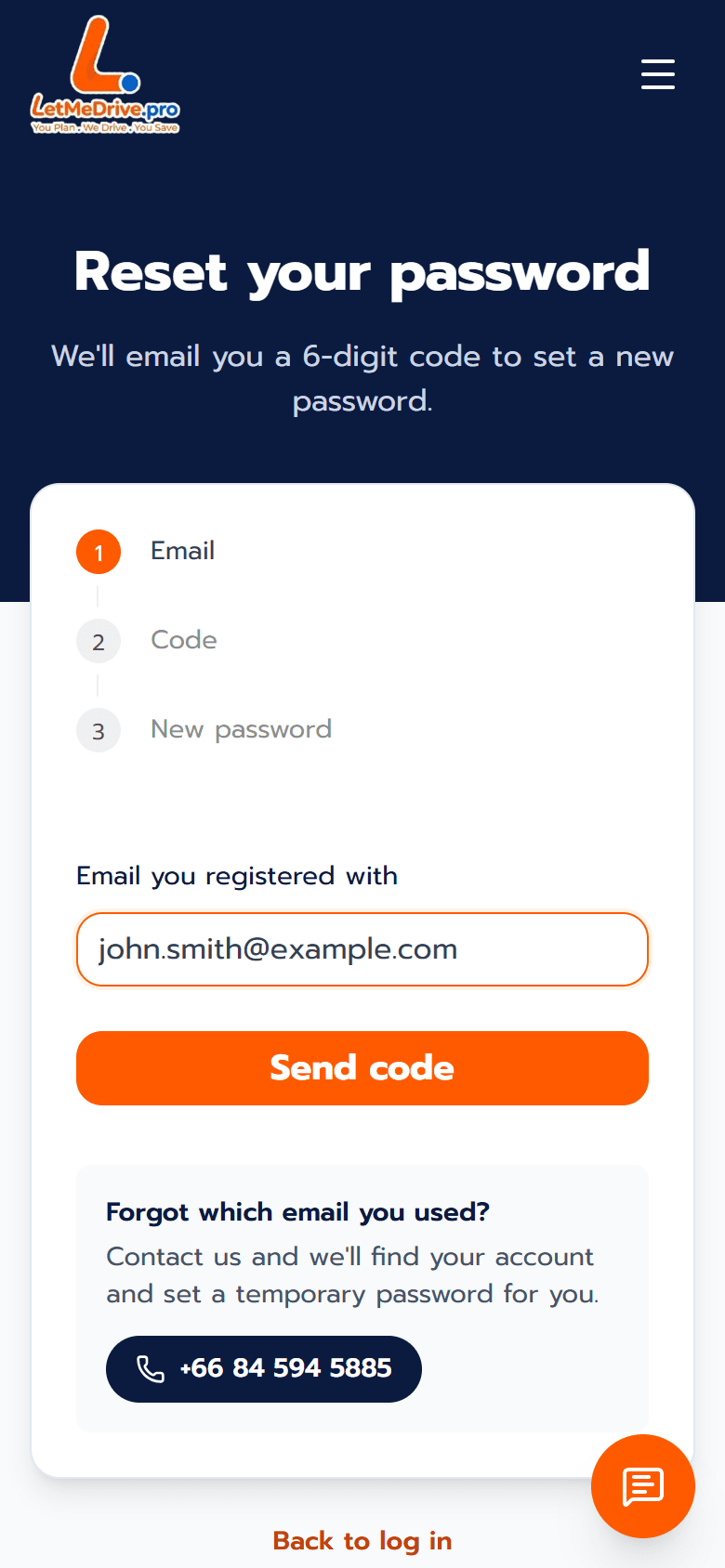
Enter your email 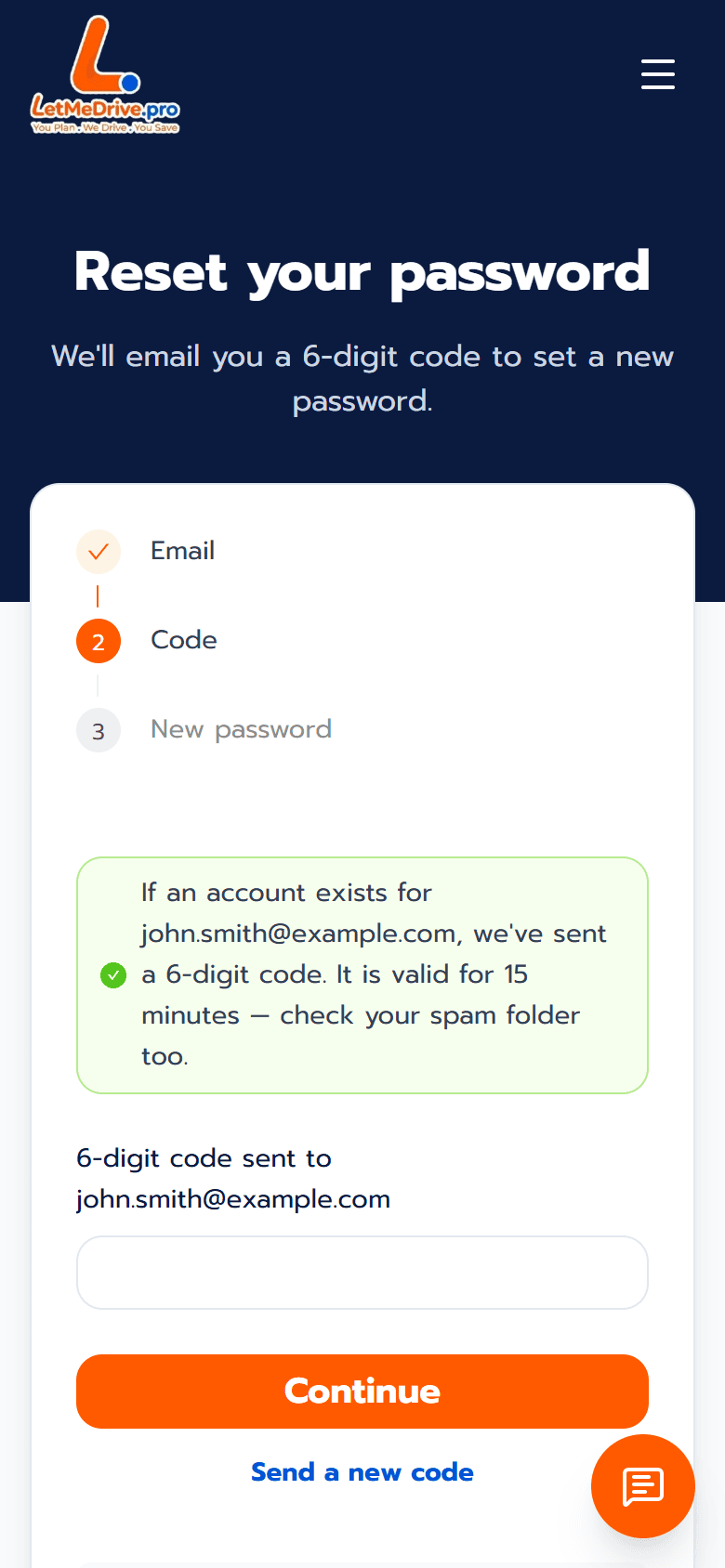
Enter the code
Still need help?
Our team speaks English and replies quickly. Contact us any way you like, and tell us your booking reference if you have one.